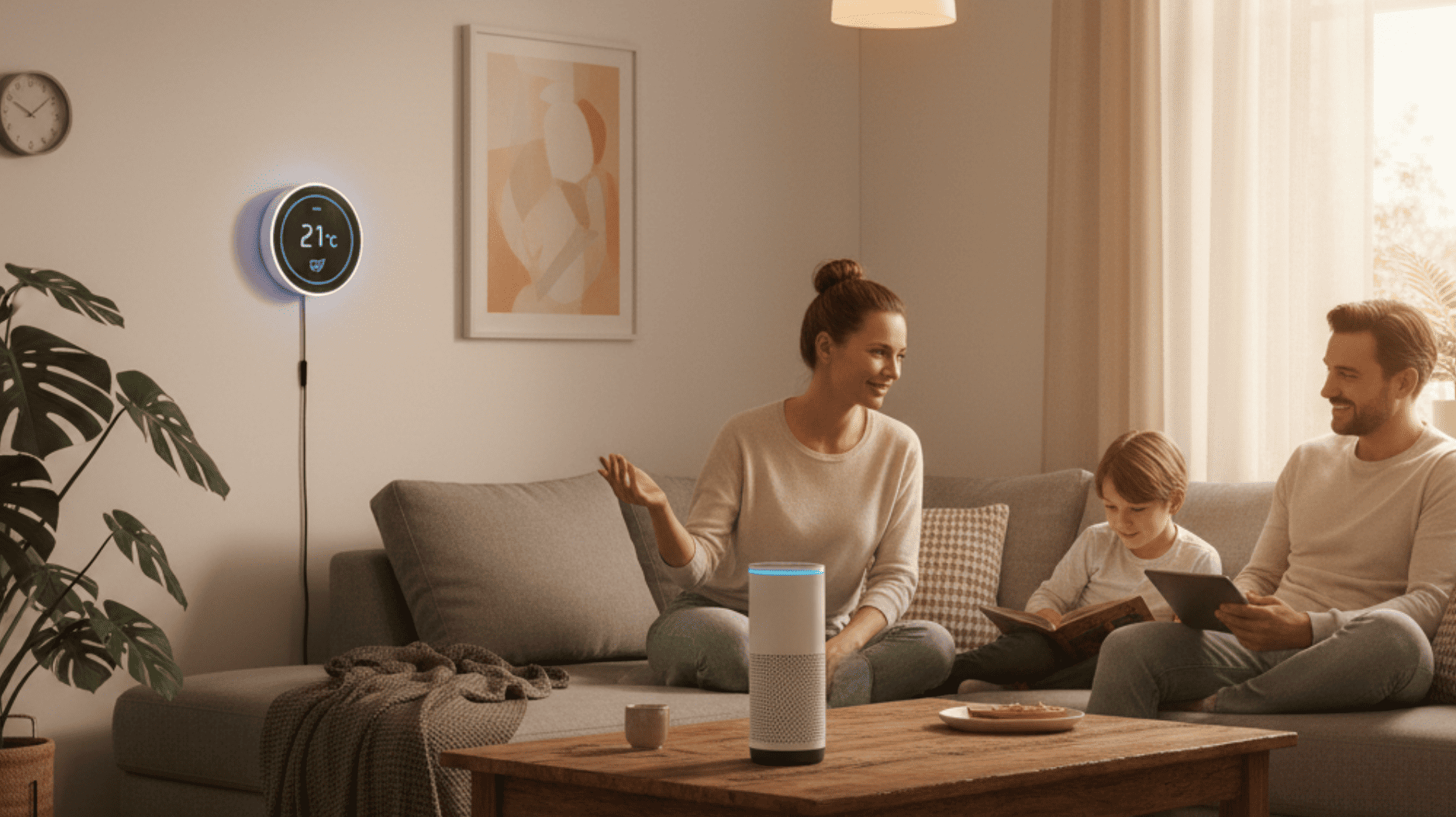
Voice assistants allow people to control music, timers, reminders, lights, schedules, smart home products, and other digital services through spoken commands. Many American households use them in kitchens, living rooms, bedrooms, home offices, and shared family areas.
These tools can improve convenience, but successful use depends on careful setup.
Poorly organized devices may respond from the wrong room.
Too many notifications can become distracting.
Weak privacy settings may create concerns.
A voice assistant should simplify household routines rather than add unnecessary complexity.
Families should begin with a small number of useful features and expand only when the system works reliably.
Choose a Main Household Platform
Several voice assistant systems are available.
Compatibility differs.
Before buying several devices, decide which platform works best with existing phones, televisions, speakers, lights, cameras, and other equipment.
Using one primary system can reduce application clutter.
It may also make routines easier to manage.
Mixed systems can work, but they may require additional setup.
Compare privacy controls, device support, sound quality, and household needs.
Avoid purchasing only because one speaker is discounted.
Long-term compatibility matters more.
Start With Basic Commands
New users should begin with simple functions.
Set timers.
Create reminders.
Check calendars.
Play music.
Ask for weather information.
Use shopping or task lists.
Learn which commands work reliably.
Avoid building complicated routines on the first day.
Household members need time to understand the system.
A small group of useful commands can provide immediate value.
People planning connected technology projects for modern homes can begin with one room and expand after evaluating daily use.
Place Devices Carefully
Location affects voice recognition.
Avoid placing speakers directly beside loud televisions, fans, appliances, or other audio equipment.
Keep microphones clear.
Do not hide devices inside closed cabinets.
Choose a stable surface.
Consider privacy.
A speaker in a bedroom may require different settings than one in a kitchen.
Test several locations.
The device should hear normal speech without requiring users to shout.
Use Clear Device Names
Smart home equipment often receives automatic names.
Names such as “Light 1” and “Light 2” become confusing.
Use simple descriptions.
Examples include Kitchen Lamp, Front Porch Light, Office Fan, or Bedroom Speaker.
Avoid similar names.
Clear labels improve voice control.
They also make applications easier to manage.
Keep names short enough for natural commands.
Household members should use the same terms.
Organize Devices by Room
Most voice assistant platforms allow users to create room groups.
Place lights, speakers, plugs, and other products inside correct rooms.
A user may then say “turn off the lights” without naming every device.
Room organization reduces mistakes.
Review groups after moving equipment.
Remove old products.
Create separate areas for outdoor devices when appropriate.
Advice from experienced home technology professionals may help homeowners organize larger smart home systems.
Create Simple Routines
Routines combine several actions.
A morning routine may turn on lights, provide a calendar summary, and play news or music.
A bedtime routine may adjust lighting and activate selected security features.
Keep routines simple.
Test each action.
Avoid including critical safety functions without understanding limitations.
A routine should save time.
If users need to correct it every day, the setup may be too complicated.
Review Privacy Settings
Voice assistants may process recordings and account information.
Review privacy controls during setup.
Understand how voice history is stored.
Delete information according to personal preferences.
Turn off unnecessary personalization.
Review connected services.
Use strong account passwords.
Enable multi-factor authentication.
Family members should understand when the device is listening for its activation phrase.
Privacy choices should match household comfort.
Use Microphone Controls
Most smart speakers include a physical microphone control.
Learn how it works.
Turn off the microphone during private conversations when desired.
Check the indicator showing microphone status.
Remember that voice commands will not work while the microphone is disabled.
Users should not assume that lowering volume turns off listening functions.
Understand the difference between sound controls and microphone controls.
Protect Purchases
Voice purchasing may create convenience.
It may also allow accidental orders.
Use purchase confirmation codes.
Require approval.
Turn off voice purchasing when unnecessary.
Parents should review child access.
Check payment information.
Remove outdated cards.
Households should understand whether subscriptions or digital products can be purchased through voice commands.
Do not leave financial controls unreviewed.
Create Separate Voice Profiles
Some systems recognize different household members.
Individual profiles may provide personalized calendars, music, reminders, and communication.
Set up voice recognition carefully.
Test accuracy.
Do not use it as the only protection for sensitive information.
Visitors or recordings may occasionally activate systems incorrectly.
Use stronger account controls for important actions.
Profiles improve convenience but do not replace security.
Use Voice Assistants for Cooking
Kitchen use can be practical.
Set multiple timers.
Convert measurements.
Add grocery items.
Play music.
Create reminders.
Avoid relying on voice information for high-risk food safety decisions without checking reliable guidance.
Keep the device away from water, heat, grease, and cooking surfaces.
Use suitable placement.
A small wall shelf may protect equipment while keeping it accessible.
Families developing modern home and kitchen improvements can plan safe locations for connected devices.
Manage Family Calendars
Voice assistants can provide reminders and schedule information.
Connect only necessary calendars.
Review privacy.
Avoid announcing sensitive appointments in shared spaces.
Use individual profiles when available.
Create reminders for school events, household tasks, bills, and family activities.
Check that times and dates are correct.
Voice tools can support organization, but important commitments should remain visible in a dependable calendar system.
Use Announcements Carefully
Some platforms allow messages between rooms.
This may help families call children to dinner or communicate without shouting.
Keep announcements respectful.
Avoid using them constantly.
Household members may find frequent messages intrusive.
Review which devices receive announcements.
Bedrooms may need different settings.
Technology should support communication rather than replace direct conversation.
Control Smart Lighting
Voice-controlled lights can improve convenience.
Users may turn lights on while carrying groceries or adjust brightness without reaching switches.
Choose compatible products.
Keep physical controls available.
Internet or service problems may interrupt voice control.
Household members should still understand how to operate lights manually.
Avoid creating systems that become unusable during outages.
Use Smart Plugs for Simple Automation
Smart plugs can control lamps and selected household devices.
Check electrical ratings.
Do not connect equipment that the manufacturer prohibits.
Avoid using smart plugs for high-demand appliances without proper approval.
Create clear names.
Set schedules carefully.
Test behavior after power interruptions.
Smart plugs provide useful entry-level automation when used responsibly.
Avoid Automating Safety Decisions Without Review
Voice assistants may connect with locks, cameras, thermostats, alarms, and security systems.
Understand confirmation requirements.
Use secure settings.
Avoid depending entirely on voice control for critical safety.
Keep manual access.
Review activity history.
Test emergency features.
A smart home should remain functional when internet service fails.
Technology can support security but should not replace basic household planning.
Manage Music Services
Connect preferred music accounts.
Review default services.
Use family plans according to provider rules.
Create child-friendly settings.
Avoid allowing one person’s music history to control every household recommendation.
Separate profiles may help.
Control maximum volume.
Speakers placed in bedrooms may need nighttime limits.
A simple audio setup can improve daily routines.
Reduce Unwanted Responses
A device may activate after hearing similar words.
Review activation settings.
Move it away from televisions.
Train voice recognition when available.
Check command history.
Unexpected responses may reveal which sounds caused activation.
Avoid placing several speakers too close together.
The nearest device should usually respond.
Room organization can improve accuracy.
Turn Off Unnecessary Notifications
Voice assistants may announce deliveries, reminders, promotions, messages, or updates.
Keep only useful alerts.
Avoid broadcasting private shopping information in shared spaces.
Review notification categories.
Use quiet hours.
Households with sleeping children or shift workers may need customized schedules.
A quieter assistant often becomes more useful.
Create Guest-Friendly Controls
Visitors may not understand the system.
Keep physical switches available.
Provide simple instructions when necessary.
Do not require voice control for basic lighting.
Guest rooms should remain easy to use.
Avoid exposing private calendars or messages.
Review guest access settings.
A smart home should remain welcoming to people who prefer ordinary controls.
Keep Software and Devices Updated
Voice assistants and connected products receive updates.
Keep applications current.
Update routers.
Review device software.
Replace equipment that no longer receives security support.
Check integrations after major updates.
Old connections may stop working.
Regular maintenance prevents confusion.
Review Connected Applications
Voice platforms may connect to many external services.
Remove tools that are no longer used.
Review permissions.
Disconnect old smart home products.
Check household members.
Remove former users.
Limit access to necessary information.
A smaller connected system is easier to protect and manage.
Prepare for Internet Outages
Many voice assistant features depend on internet service.
Keep manual controls.
Know how to operate lights, locks, thermostats, and other important equipment without voice commands.
Maintain ordinary clocks and timers when necessary.
Do not make the assistant the only source of household information.
Reliable homes use technology as one layer.
Use Voice Tools to Support Accessibility
Voice control may help people with mobility, vision, or other accessibility needs.
Simple commands can operate lights, reminders, communication tools, and entertainment.
Customize language.
Place devices where they are easy to hear.
Keep backup controls.
Test important functions.
Professional accessibility advice may be appropriate for individual needs.
Avoid Adding Devices Without Purpose
Smart home products are easy to collect.
Every new device creates another account, update, permission, and possible subscription.
Ask what problem the product solves.
Will it save time?
Improve access?
Support safety?
Provide meaningful entertainment?
Avoid purchasing only because a device works with a voice assistant.
Readers exploring practical smart home and lifestyle ideas can focus on useful systems rather than unnecessary automation.
Review the System Every Few Months
Check connected devices.
Update software.
Remove unused routines.
Review privacy.
Confirm family profiles.
Test important controls.
Adjust notifications.
Household needs change.
A routine created last year may no longer be useful.
Regular reviews keep the system simple.
Create a Smart Home That Remains Easy to Use
Voice assistants can save time and improve household organization.
The best systems use clear names, simple routines, thoughtful placement, strong privacy controls, and dependable manual options.
Begin with basic commands.
Add features gradually.
Protect purchases.
Review connected accounts.
Keep important functions available without internet service.
A modern home does not need voice control in every room.
Useful technology should reduce effort while remaining understandable to every family member.

